
How to scan
One slow walk, shoulder to hip.
Watch how to scan, pick the animal's tag, and read the result. The three videos take about two minutes.
52 seconds
The video's steps are written next to it.
Video 1
How to scan
Scan the animal's side with one slow walk from shoulder to hip. That's the whole trick.
- 1
Stand beside the animal, two to three metres away.
Start by the shoulder. Keep the whole animal inside the frame on your screen.
- 2
Walk one slow arc, shoulder to hip.
Keep the animal's side in view. Don't walk around its head or its tail.
- 3
Stop when the ring is full.
It takes about twelve seconds. Tap Stop & save. The app sends the scan off and comes back with a weight. You'll need a connection for that.
Keep the animal's side in view
The app measures the animal's side, so it has to see the side. One animal in view as you walk.
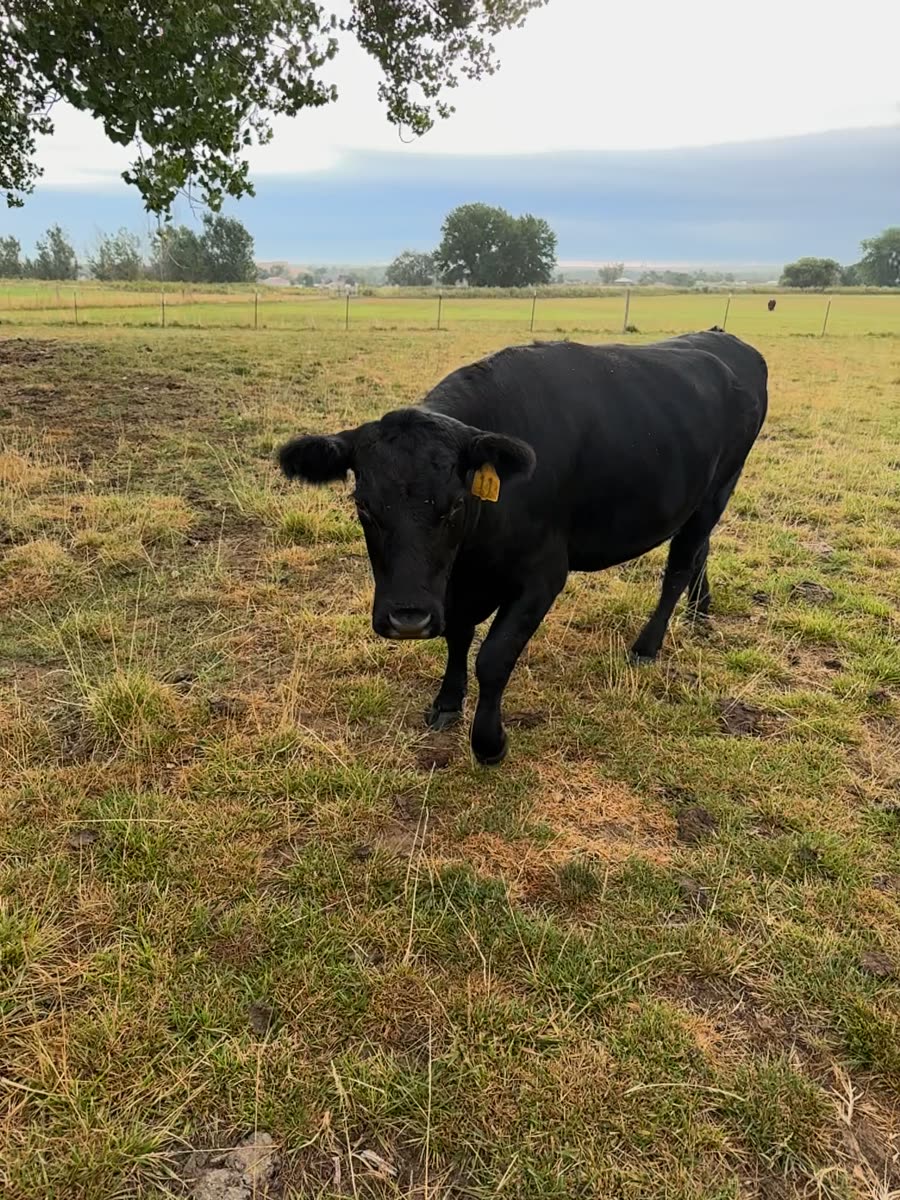
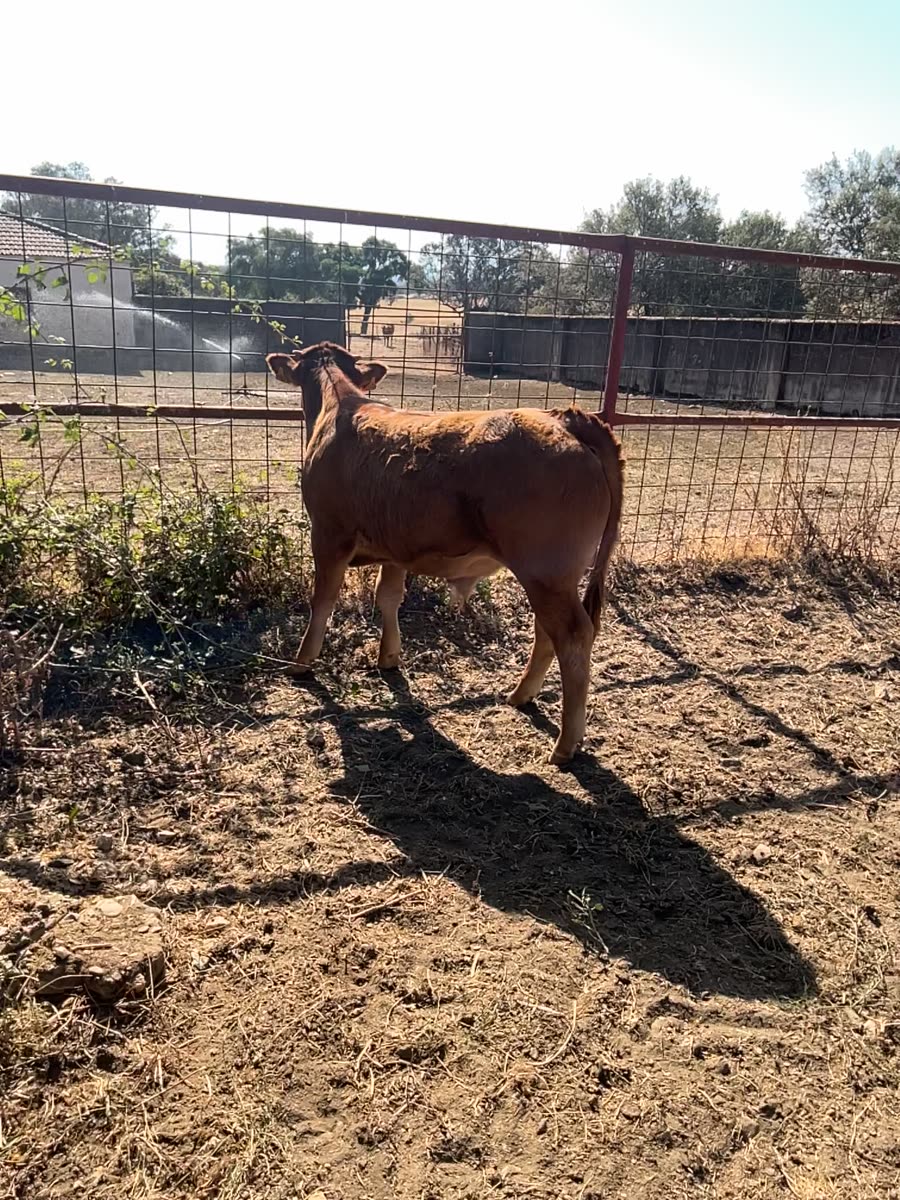
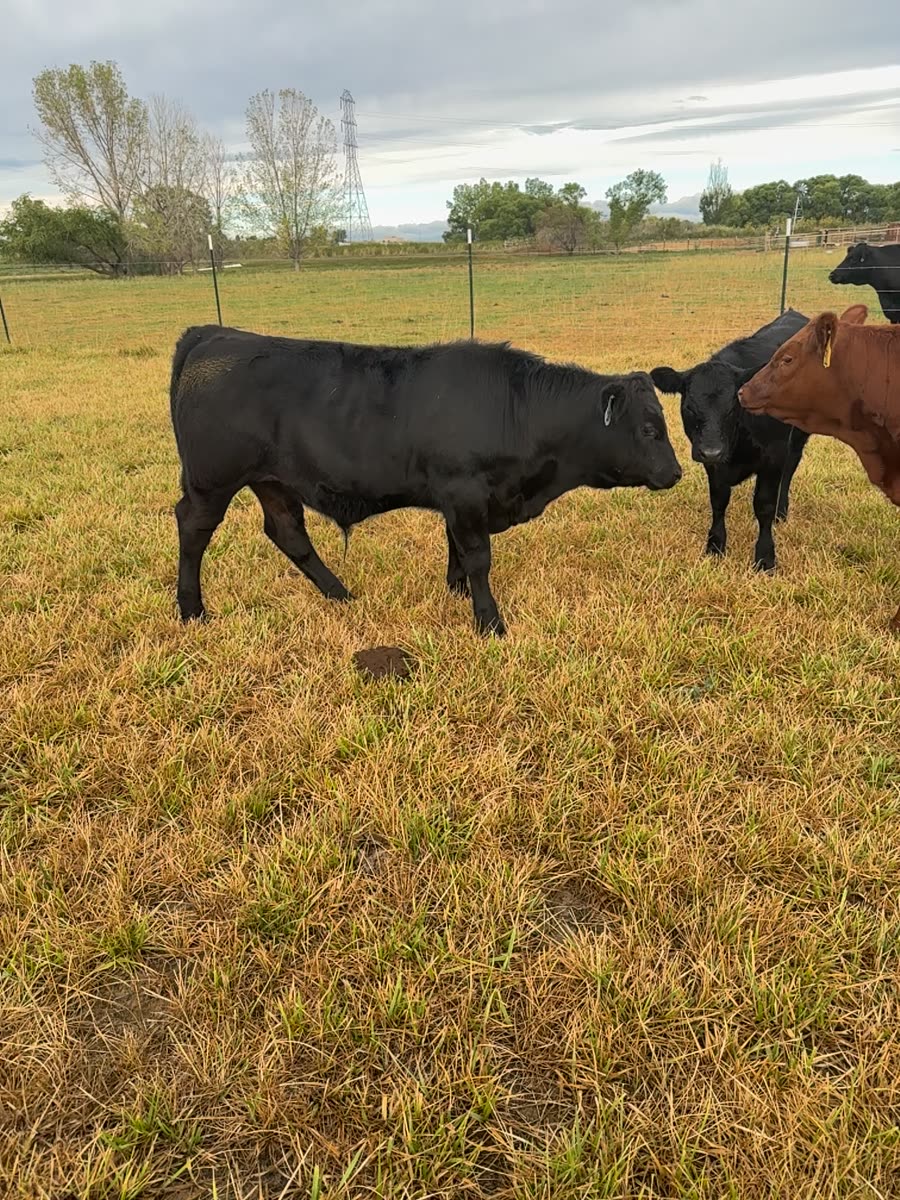
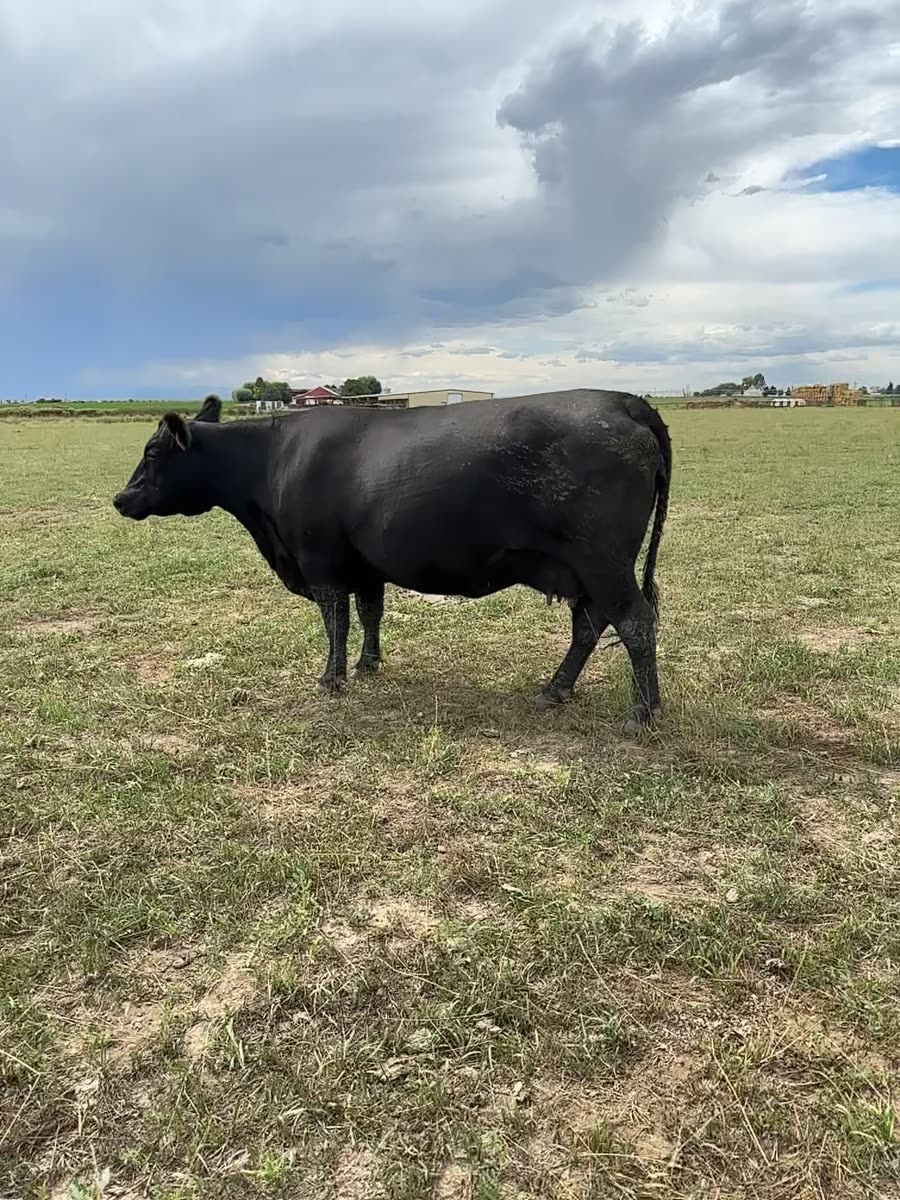
38 seconds
The video's steps are written next to it.
Video 2
Keep each animal's scans together
Pick the animal's tag before you scan, and its weights stay together.
- 1
Pick the tag before you scan.
One tag per animal. The app saves the scan and its weight under that tag.
- 2
Scanning this animal again?
If the new scan doesn't look like the last one under that tag, the app shows both and asks: same animal?
- 3
Look before you answer.
Same animal: the weight joins its history. Different animal: the tag moves to a new record and the earlier weights stay with the old one. The answer can't be changed later, so check the two photos first.
29 seconds
The video's steps are written next to it.
Video 3
Reading your result
Your weight, and a note on how the scan went.
- 1
The weight is an estimate.
Compare it with your scale when you can, and type the scale weight into the app. That helps us check ourselves.
- 2
See a “less reliable” note?
It tells you what went wrong and what to try next. Usually: keep the animal's side in view, get a little closer, one animal in the frame.
- 3
Scan again the same way.
If you scan again, use the same slow walk along the side. The app tells you if the two numbers are far apart.
Before you start
- An iPhone Pro with LiDAR. You don't need any extra equipment.
- The animal's tag number. Add it in the app, or pick the animal from your herd list.
- Daylight or a well-lit barn. Scan while the animal stands or grazes.
- Room to walk beside the animal, two to three metres away.
In the app, these videos are under Settings → How to scan. Need a hand? Email info@tuul.ai. What a scan records is in the App Privacy Notice.